Sweet Fluffy Sheep
A downloadable game for Windows
🐑 Sweet Fluffy Sheep - How to Play
https://github.com/ProfiPoint/SweetFluffySheep
🧑🌾 First Time
Upon launching the game for the first time, you will be redirected to the profile creation screen.
You must:
- Enter your profile name (1)
- Confirm it (2)
Once created, click Back (5) to return to the main menu.
👤 Profile Management
- To switch profiles, select one from the list (4)
- The active profile will be highlighted in green (3)
- The selected profile name appears in the main menu
🏠 Main Menu
Here’s what you can do from the main menu:
- Play a level → Goes to level selection (1)
- Continue → Starts the first uncompleted level (2)
- Edit → Opens the level editor selection (3)
- Switch profiles (4)
- Settings → Opens settings menu (5)
- Exit → Closes the game (6)
📜 Level Selection
Here you can select which level to play:
- Green = completed levels (1)
- Gray = uncompleted levels (2)
- Upper section = story levels (1,2)
- Lower section = user-created levels (3)
- Return to main menu (4)
🛠️ Level Editor Selection
Similar to level selection, but for editing:
- Select a level to edit (1)
- Create a new level with the "+" button (2)
- Return to main menu (3)
⚙️ Settings
Available from the Menu, Level, and Level Editor screens.
Adjustable settings:
- Music Volume (0–100%) (1)
- Sound Effects Volume (0–100%) (2)
- FPS (1–240) (3)
- Default: 60
- Affects animation smoothness
- Too high may cause lag
- Game restarts on FPS change
- Fullscreen Mode (4)
- Toggle with F11 or here
- F11 toggle is not saved
- Confirm changes with (5)
Settings are saved automatically for future sessions.
🕹️ Gameplay + Controls
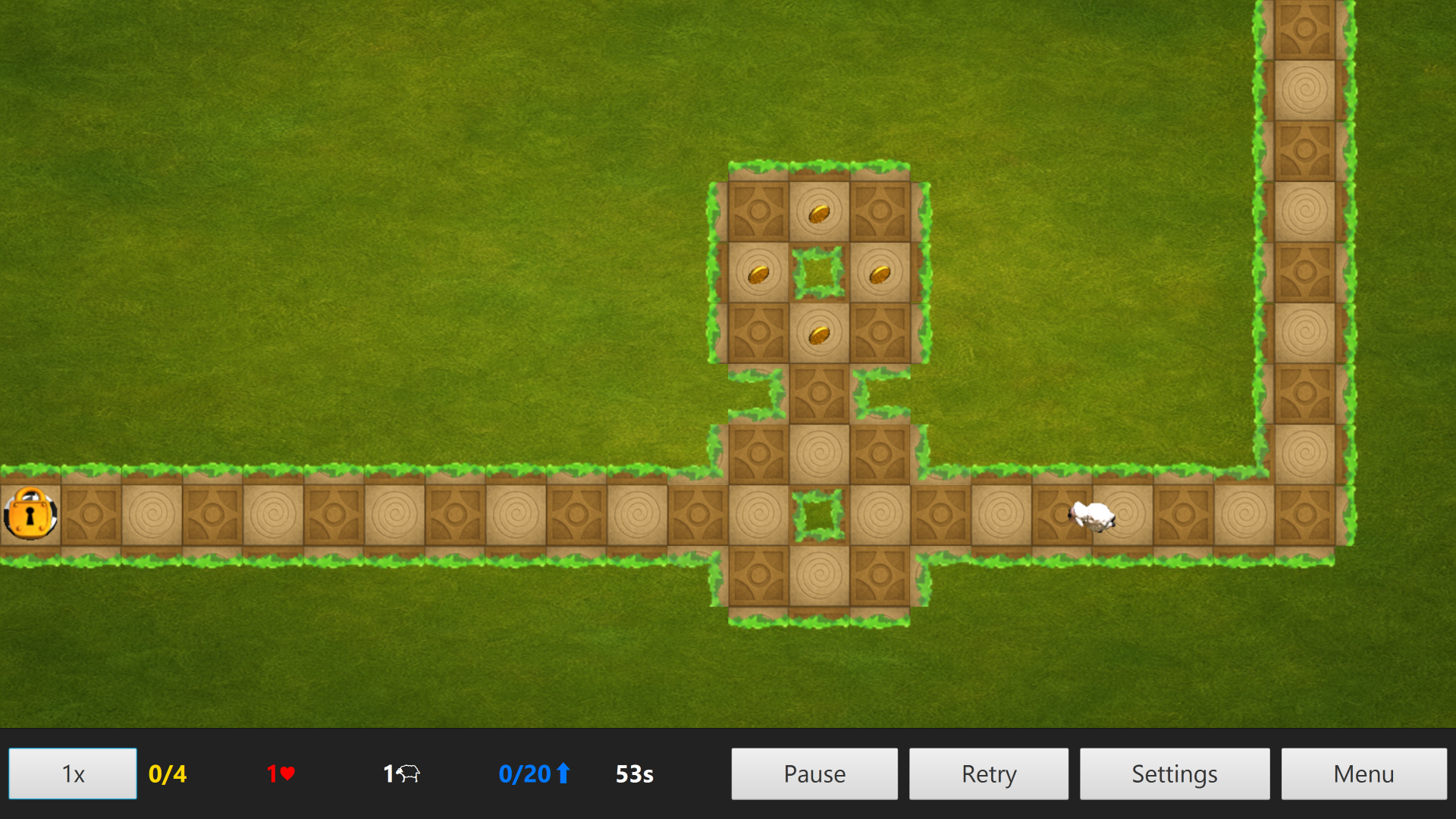
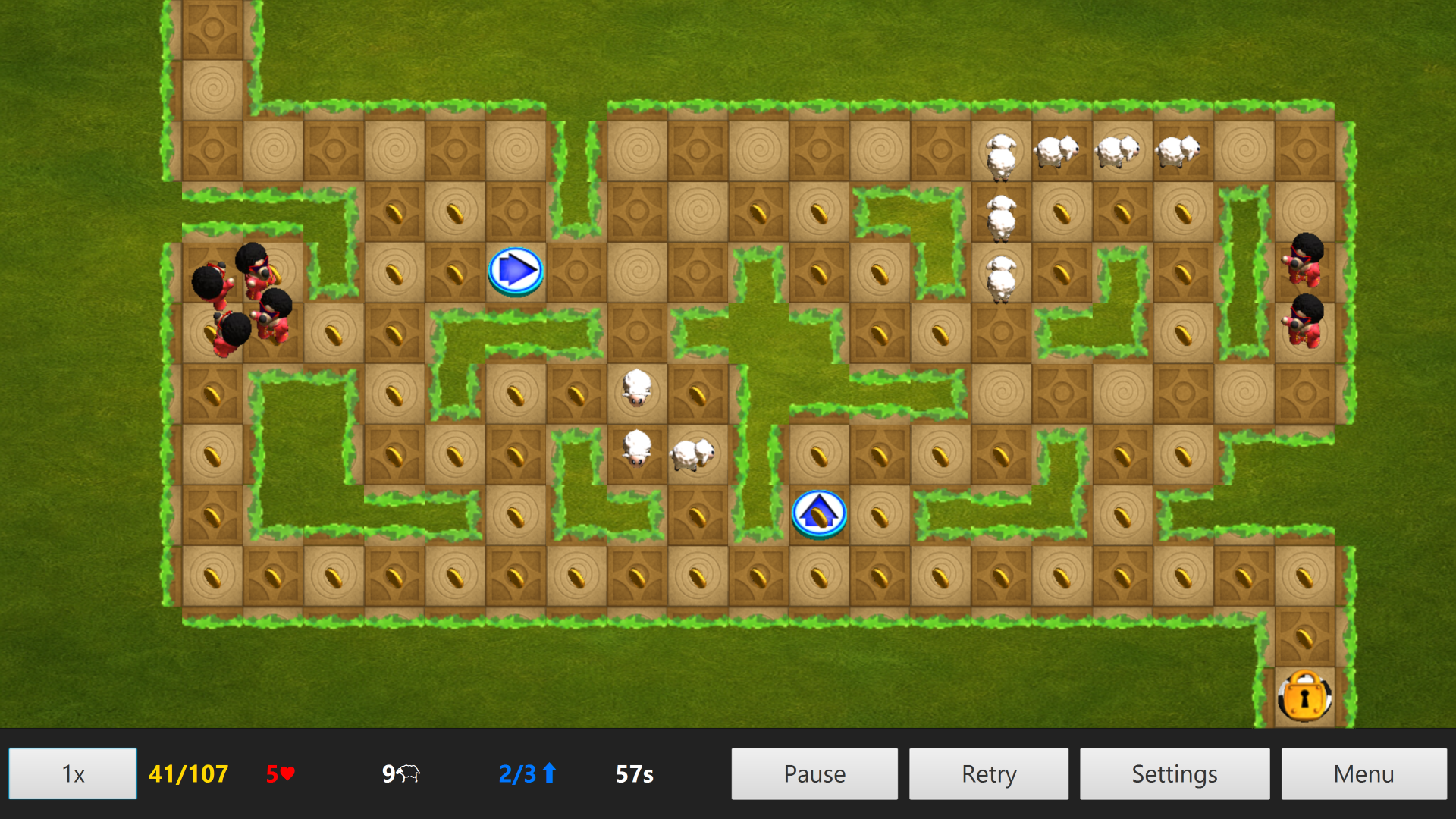
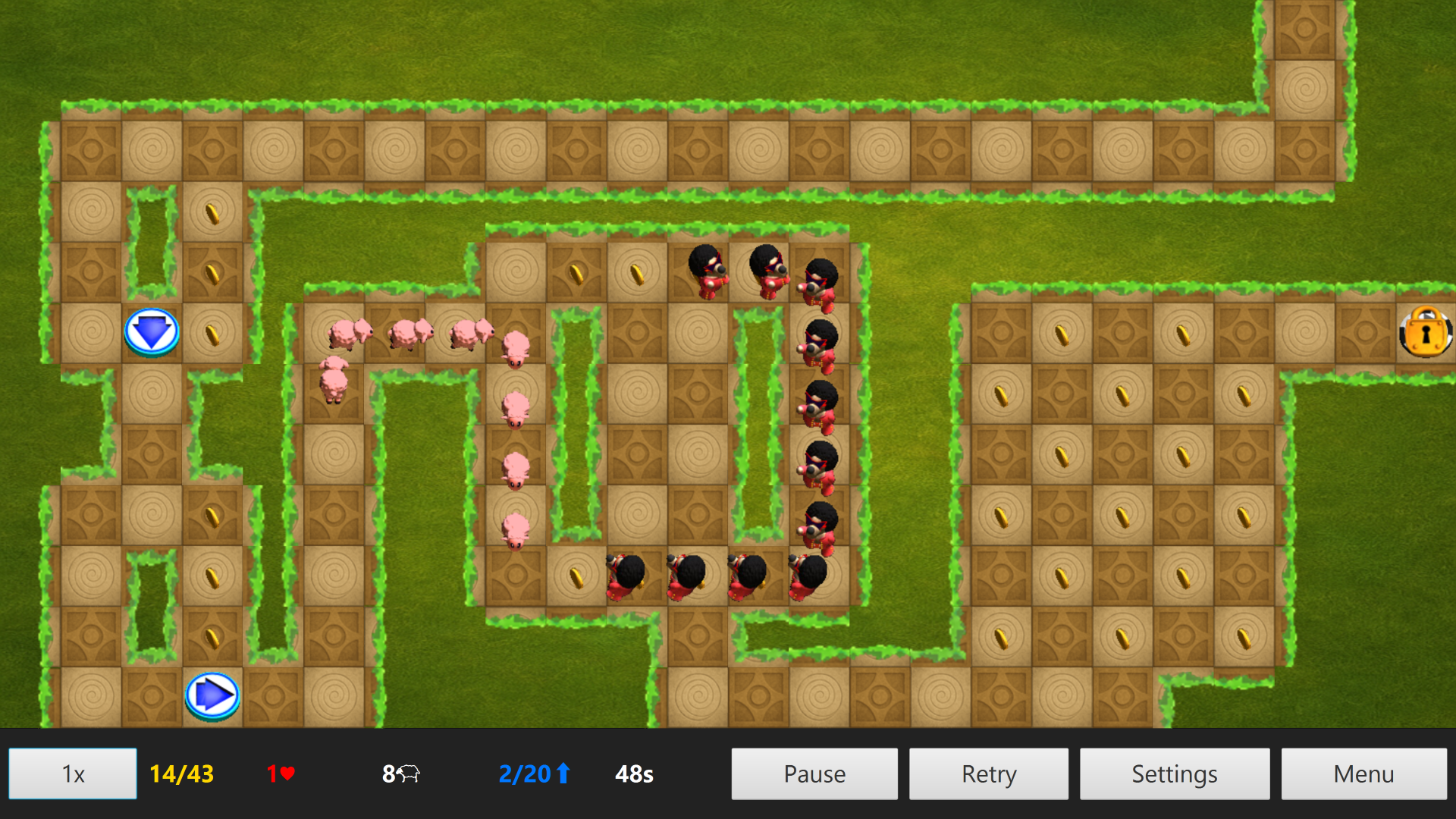
You play as a 2D sheep navigating a level using arrows (7) to control direction.
The objective is to reach the goal (4), but it remains locked until all coins (3) are collected.
Beware of enemy wolves (2) and the ticking timer...
↪️ Arrows (7)
Control everything using your mouse:
- Left click (empty tile) → Place arrow
- Left click (arrow) → Rotate arrow
- Right click (arrow) → Remove arrow
⚠️ You have a limited number of arrows. You must remove existing ones to place more.
Arrows change the direction of both sheep and enemies.
They’re ignored if pointing at walls and can only be placed on valid tiles.
🐑 Sheep (1)
- Start in a line, spaced 1 tile apart
- Move straight until:
- Hitting a wall
- Hitting an arrow
- Hitting an enemy = death
- Collects coins and items
- Becomes immortal once reaching the goal
Slowing will occur if multiple sheep occupy the same tile.
You must save a specific number of sheep (shown in the HUD).
The level ends when:
- All sheep are gone
- Timer runs out
If you saves the required amount of sheep, you will win, even if the time runs out.
🐺 Enemies (2)
- Wolves move like sheep
- Do not collect coins or items
- Do not enter the goal
- Can kill sheep — guide them carefully!
🪙 Items (3, 5, 6)
- Coin (3)
- Required to unlock the goal
- Freeze (5)
- Freezes enemies for a set duration
- Sheep can walk through them
- Default: 10 seconds
- Rage (6)
- Lets sheep kill enemies
- Duration varies
- Default: 10 seconds
📊 HUD Overview
Located at the bottom of the screen:
- Speed Multiplier (1)
- 1x, 2x, 4x
- Affects movement/animation
- Timer not affected
- Coins (2)
- Collected / Total
- Unlock goal when equal
- Active Sheep (3)
- Alive and not at goal
- Arrows (4)
- Placed / Max allowed
- Time Left (5)
- In seconds
- Pause (6)
- Retry (7)
- Settings (8)
- Menu (9)
- ⚠️ Does not save progress!
✅ Win Screen
These stats will be shown:
- Time spent
- Coins collected
- Sheep saved
- Enemies defeated
- Total score displayed
Options:
- Continue → Next level
- Menu → Return to main menu
❌ Lose Screen
If you lose:
- Shows the reason
- Options:
- Retry
- Return to Menu
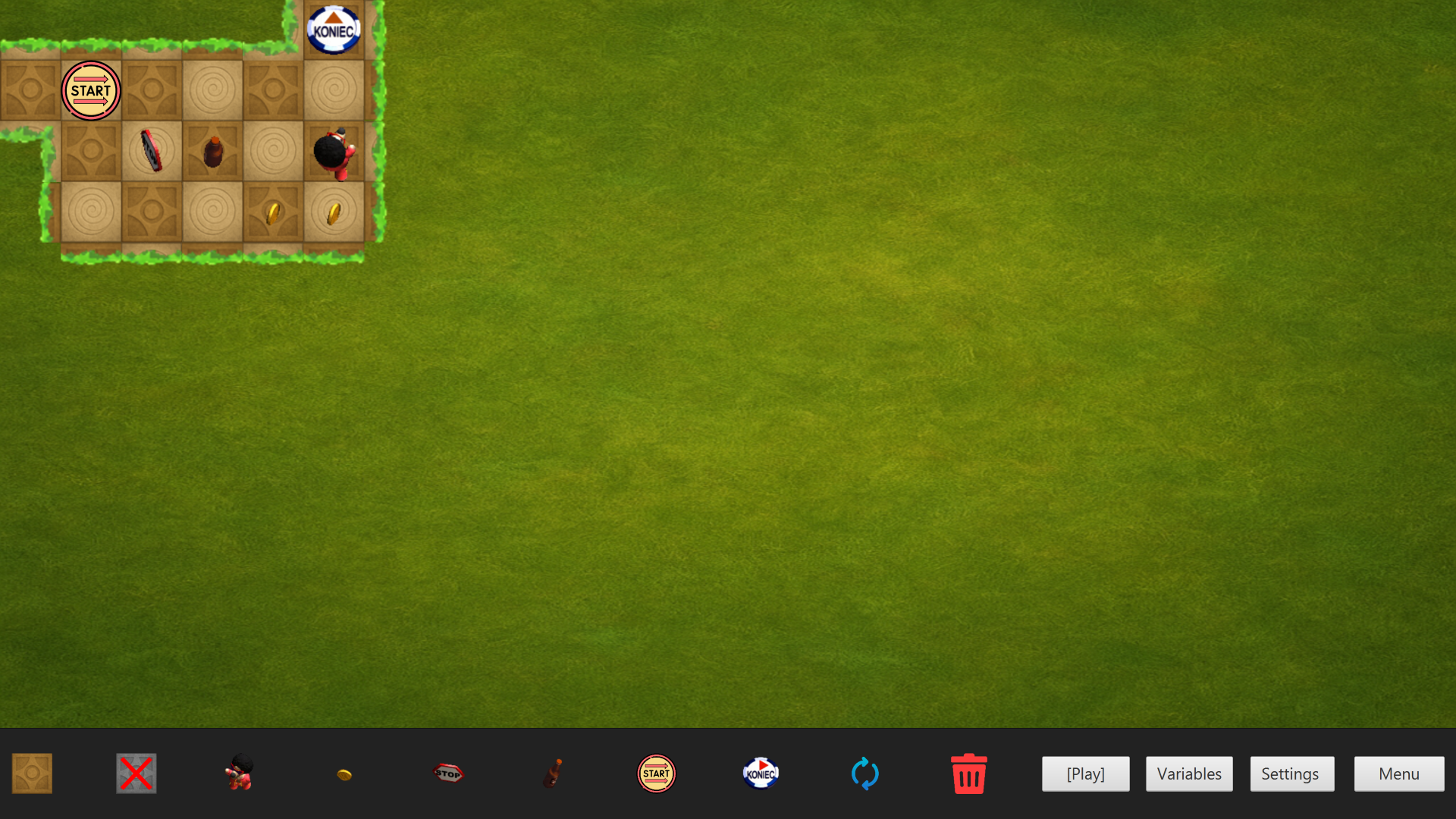
🧱 Level Editor
Create and customize your own levels!
- Place, rotate, and remove objects
- Change level variables
- Playtest your design
- Saved levels appear in level selection
✏️ Editing a Level
Options available via the HUD:
- Add Tile (1)
- Remove Tile (2)
- Add Wolf (3)
- Add Coin (4)
- Add Freeze (5)
- Add Rage (6)
- Add Start (7)
- Add Goal (8)
- Rotate Object (9)
- Remove Object (10)
Additional options:
- Playtest Level (11)
- Change Variables (12)
- Settings (13)
- Return to Menu (14)
⚙️ Changing Variables
Click "Change Variables" (12) to edit:
- Time Limit (1)
- Default: 180 seconds
- Number of Sheep (2)
- Goal Sheep (3)
- Must be ≤ total sheep
- Max Arrows (4)
- Must be ≤ map size
- Map Size (Width x Height) (5,6)
- Default: 24x12, because the aspect ration of tiles is then ~1:1
- To shrink map, no objects can be in the removed area.
- Item Duration (7)
- Freeze / Rage
- Affects new items only
- To apply to old items, you need to delete them and place them again
- In seconds
- Click Save (8) to confirm
- Click Cancel (9) to discard
📢 Publishing Your Level
To make a level playable:
- Must have a start and a goal
- Must contain at least one coin
- Pathfinding must:
- Reach the goal
- Collect all coins
- Playtest it (11)
- After successful completion, level is saved and published
🔁 You can edit the level anytime as long as these conditions are met.
🎉 Final Words
That’s it! You’re ready to play and create.
If you have any questions, visit our GitLab page.
Good luck!
Save the sheep.
Dodge the wolves.
Collect the coins.
Beat the high score.
AND HAVE FUN!
Ondřej Čopák, ProfiPoint 2025
Download
Click download now to get access to the following files:
Leave a comment
Log in with itch.io to leave a comment.